

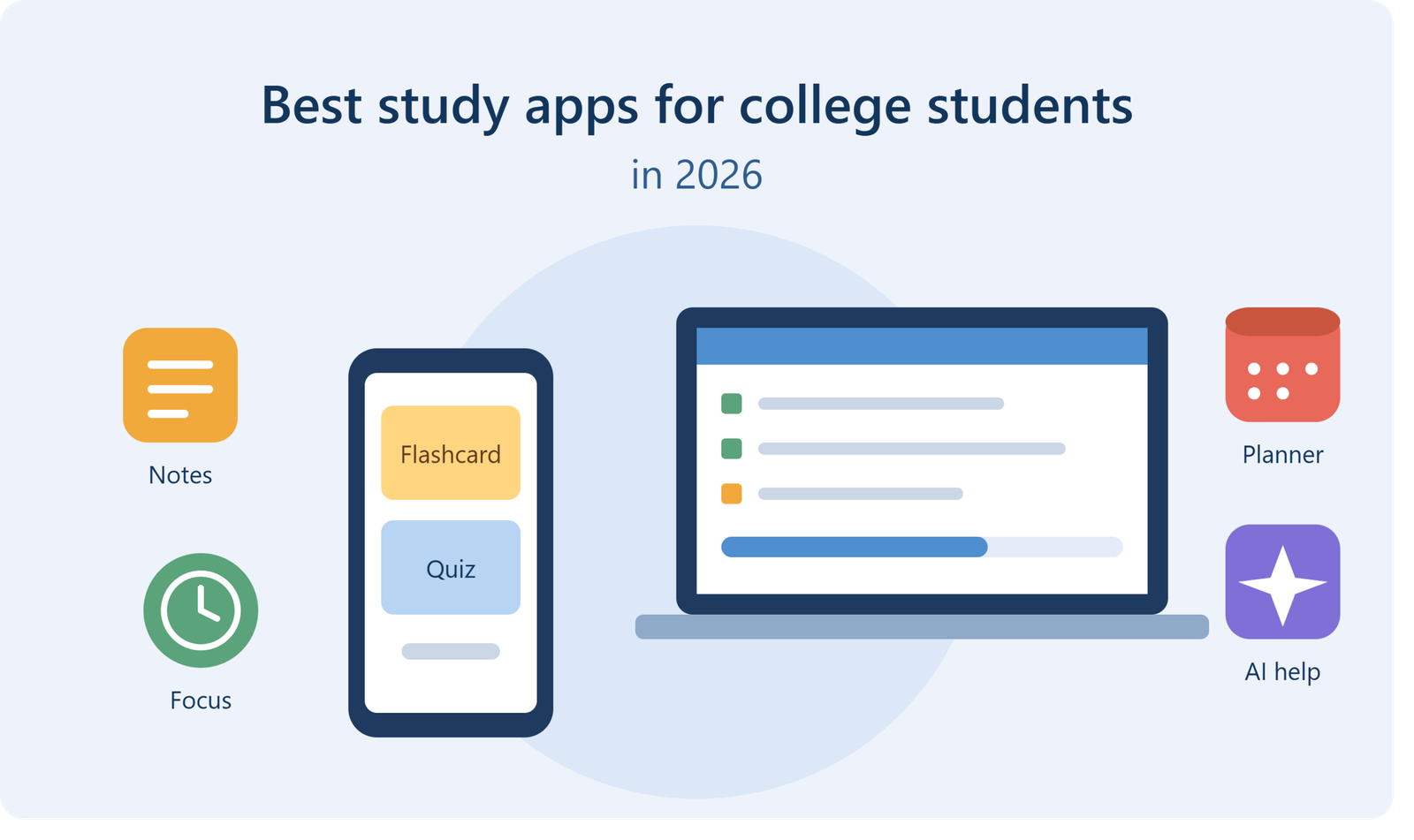
If you’re a college student in the USA, your phone probably already holds a mix of tabs and searches, from things like insuredhealthpro when you’re sorting out student health coverage, to last-minute notes before a quiz. Somewhere between all of that, you also need a way to actually study. The right study apps won’t do the work for you, but they can turn a messy week of lectures, readings and deadlines into something manageable. The wrong ones just become another distraction.
I’ve organized this guide by what each app helps you do rather than giving you one long, random list. Pick one or two from each section, test them for a week, and drop whatever doesn’t stick.
What Makes a Study App Worth Using?
Before the list, a quick filter. Most students download five apps, use them for three days, and forget they exist. The ones that survive a full semester usually do three things well:
- They remove a specific piece of manual work (like making flashcards or tracking deadlines).
- They sync across your phone and laptop, so you can use them anywhere.
- They’re simple enough that opening them doesn’t feel like a chore.
If an app needs a forty-minute setup before it helps you, it probably won’t last. Keep that in mind as you read.
Best Apps for Note-Taking and Organization
Good notes are the base of everything else. If your notes are scattered across random documents, studying gets harder than it needs to be.
Notion is the all-in-one workspace many students swear by. You can build class pages, link assignments to deadlines, store reading lists and even create a simple dashboard for your whole semester. It has a learning curve, so start with a basic template instead of building something elaborate on day one. Notion has a free plan for students, and it works well on both desktop and mobile.
GoodNotes and similar handwriting apps are great if you use a tablet with a stylus. Handwritten notes tend to stick better for some people, and you can still search them later, reorganize pages and import lecture slides to write on top of. If you prefer typing, apps like OneNote or Evernote do the job nicely.
Google Docs deserves a mention too. It isn’t fancy, but it’s free, collaborative and reliable. For group projects, nothing beats the ease of everyone editing the same file in real time.
One tip: choose one main notes app and commit to it for the semester. Switching tools mid-way costs more time than it saves.
Best Flashcard Apps for Memorization
Memorizing terms, formulas and definitions is a big part of college, and flashcards are still one of the most effective ways to do it. The reason is simple. They force you to pull information out of your memory instead of just rereading it, and that’s where real learning happens.
Anki is the favorite among medical, law and language students. It’s powerful, customizable and built around spaced repetition, which means it shows you cards right before you’re likely to forget them. The interface looks a bit old-fashioned, and it takes a few minutes to get used to, but the results speak for themselves. Many students use pre-made decks shared by others, then add their own cards as the course goes on.
Quizlet is friendlier and faster to start with. You can make sets in minutes, study them in different modes, and share them with classmates. It’s especially handy for quick vocab review or for subjects where you just need to memorize a lot of terms before a quiz.
A small piece of advice: don’t make hundreds of cards in one sitting. Create a few after every lecture. Ten cards a day beats three hundred the night before an exam.
Best Apps for Staying Focused
Let’s be honest. Your phone is the biggest enemy of your study time. A focus timer can help you take back control.
Forest turns focus into a small game. You plant a virtual tree, and it grows while you stay off your phone. Leave the app, and the tree dies. It sounds silly, but that tiny bit of guilt works surprisingly well, and you can build a little forest over time as you study more.
If you prefer something simpler, try the Pomodoro method with any basic timer: twenty-five minutes of focused work, then a five-minute break. After four rounds, take a longer break. Apps like Focus To-Do or even the clock app on your phone can handle this.
For heavier distraction problems, website and app blockers on your laptop can lock social media for set hours. It feels strict, but your future self will be grateful.
Best Apps for Time Management and Planning
College gives you a lot of freedom and very little structure, which is why time management becomes a survival skill. Missing a deadline because it was buried in a syllabus is painfully avoidable.
Google Calendar is a solid starting point. Add every class, exam, assignment due date and work shift. Use color-coding for different courses, and set reminders a day or two before big deadlines, not just on the day itself.
Todoist is a clean task manager that lets you break large assignments into smaller pieces. “Write research paper” becomes “find five sources,” “write outline,” “draft introduction.” Suddenly it feels doable. Its simple design is a big plus when you’re stressed and don’t want to deal with a complicated interface.
Notion or Trello also work well here if you like seeing your tasks as visual boards. The best tool is the one you’ll check every morning, so choose by habit, not by hype.
Best AI Study Tools in 2026
Artificial intelligence has changed how students study, and 2026 has more options than ever. AI study tools can summarize lectures, explain tough concepts in simple language, generate practice questions and help you organize your thoughts. Used well, they save real time.
NotebookLM from Google is useful because it works from the documents you upload, such as lecture notes, PDFs and readings. You can ask questions about your own materials, get summaries and even turn content into audio overviews you can listen to on the go.
Claude, ChatGPT and similar AI assistants are handy for explaining a confusing topic, checking your understanding or quizzing you. A good habit is to try solving the problem first, then ask the AI to explain where you went wrong. That way you’re learning, not copying.
Grammarly helps polish your writing by catching grammar mistakes and unclear sentences. It’s useful for essays and emails to professors, though you should still do your own editing and thinking.
A word of caution here. AI is a study partner, not a replacement for your own effort. Many professors have clear policies about AI use in assignments, so read your course rules before relying on it for graded work. And always double-check facts, since AI tools can sound confident while being wrong. Use them to understand, practice and organize, and keep the final thinking yours.
Best Apps for Learning New Concepts
Sometimes your lecture just doesn’t click, and that’s normal. This is where free learning platforms come in.
Khan Academy covers math, science, economics and more with clear video lessons and practice exercises, all free. It’s a lifesaver for intro-level courses and for filling gaps from high school.
YouTube is underrated for this too. Channels dedicated to specific subjects, from calculus to organic chemistry to accounting, can explain things in a way your professor might not. Just be selective and stick to creators who are clear and accurate.
Coursera and edX offer university-level courses from top institutions. You can audit many of them for free, which makes them great for exploring a new subject or building skills outside your major.
Best Apps for Research and Citations
Writing papers gets painful when you’re juggling sources. A citation manager can save hours.
Zotero is a free tool that collects articles, saves PDFs and builds your bibliography in whatever style you need, whether APA, MLA or Chicago. Once you set it up, it quietly works in the background while you research. Your future self, staring at a deadline at midnight, will thank you.
Your college library’s online database is also worth learning. Many students ignore it, yet it often gives free access to journals and e-books that would otherwise cost money.
Best Free Study Apps for Students on a Budget
Money is tight for most students, and the good news is that many of the best tools cost nothing. Here’s a quick group you can start with today:
- Google Calendar, Docs and Drive for planning and collaboration
- Anki (free on desktop and Android) for flashcards
- Khan Academy for concept learning
- Zotero for citations
- Notion’s free plan for notes and organization
- Basic Pomodoro timers for focus
Before paying for anything, check whether your university gives you free access. Many schools provide Microsoft 365, Grammarly licenses, library databases or even premium tutoring platforms as part of tuition. Also look for student discounts, because many paid apps offer them. Prices and plans change often, so confirm the current details on each app’s website before you subscribe.
How to Build Your Own Study Stack
Here’s a mistake I see all the time: students download ten apps and spend more time managing them than studying. Instead, build a small, connected system. A simple starter stack could look like this:
- Planner: Google Calendar plus Todoist for deadlines and tasks
- Notes: Notion, GoodNotes or OneNote, whichever suits your style
- Memory: Anki or Quizlet for flashcards
- Focus: Forest or a Pomodoro timer
- Support: An AI assistant or Khan Academy when you get stuck
Five tools, five jobs. That’s enough for almost any student.
Picks by Major
Different fields lean on different tools, so adjust your setup:
- STEM students: Khan Academy for concepts, Anki for formulas, and a good handwriting app for working through problems.
- Business students: Notion for project tracking, Google Sheets for data and a calendar app for group deadlines.
- Humanities students: Zotero for sources, Google Docs for drafting and Grammarly for polishing your writing.
- Pre-med and nursing students: Anki for heavy memorization and a reliable notes app for organizing dense material.
Study Habits That Make Apps Work
An app is only as good as the habit behind it. A few things that make a real difference:
- Study actively. Quiz yourself instead of rereading. Apps that support active recall give you a big advantage.
- Space it out. Review material over several days instead of cramming. Your memory holds up far better.
- Set a routine. Open your planner every morning and review your flashcards at the same time each day.
- Take breaks seriously. Short breaks help you stay sharp, and walking or stretching beats scrolling.
- Look after your health. Sleep, food and basic medical care matter more than any app. Know what your student health coverage offers so a small problem doesn’t turn into a big one during exams.
Final Thoughts
There is no single perfect app for every student. The best study apps are the ones that fit your classes, your schedule and the way your brain actually works. Start small. Pick one tool for notes, one for flashcards and one for planning, use them consistently for two weeks, and then adjust.
Technology can make studying easier, but it can’t replace showing up, paying attention and doing the work. Combine good habits with the right tools, and you’ll feel the difference by your very next exam. Try one app from this list today, and let your semester get a little less stressful.